If you have been wondering which website builder is best for your photography business, you are not alone.
Squarespace and Wix are both popular choices for photographers because they make it possible to create a website without starting completely from scratch.
They both offer templates.
They both have built-in tools.
They both can work for portfolios, service pages, blogs and enquiries.
But they feel very different to use.
And if you are a photographer, that matters.
Your website is not just there to look pretty.
It needs to showcase your work, guide people through your services, support your SEO and help the right clients enquire.
Before we dive into this comparison, here’s a quick note: I’ve tested and worked across multiple website platforms to see how they perform for photographers, wedding creatives and service-based brands. This helps me look at the bigger picture, not just features, but SEO, speed, flexibility, design control and workflow.
If you are comparing platforms more broadly, you may also find my guides on Showit vs Webflow, Showit, Webflow or Shopify and Showit vs Squarespace helpful too.
Still unsure which platform fits your style, workflow and SEO needs? Take my Which Website Platform is Right for You? Quiz to find out in a few minutes.
Platform Philosophies
Squarespace and Wix are both beginner-friendly website builders, but they approach website design differently.

Squarespace is more structured.
It focuses on polished templates, clean layouts and a streamlined editing experience.
This can work well for photographers who want something refined, simple and visually consistent without having to make too many design decisions.
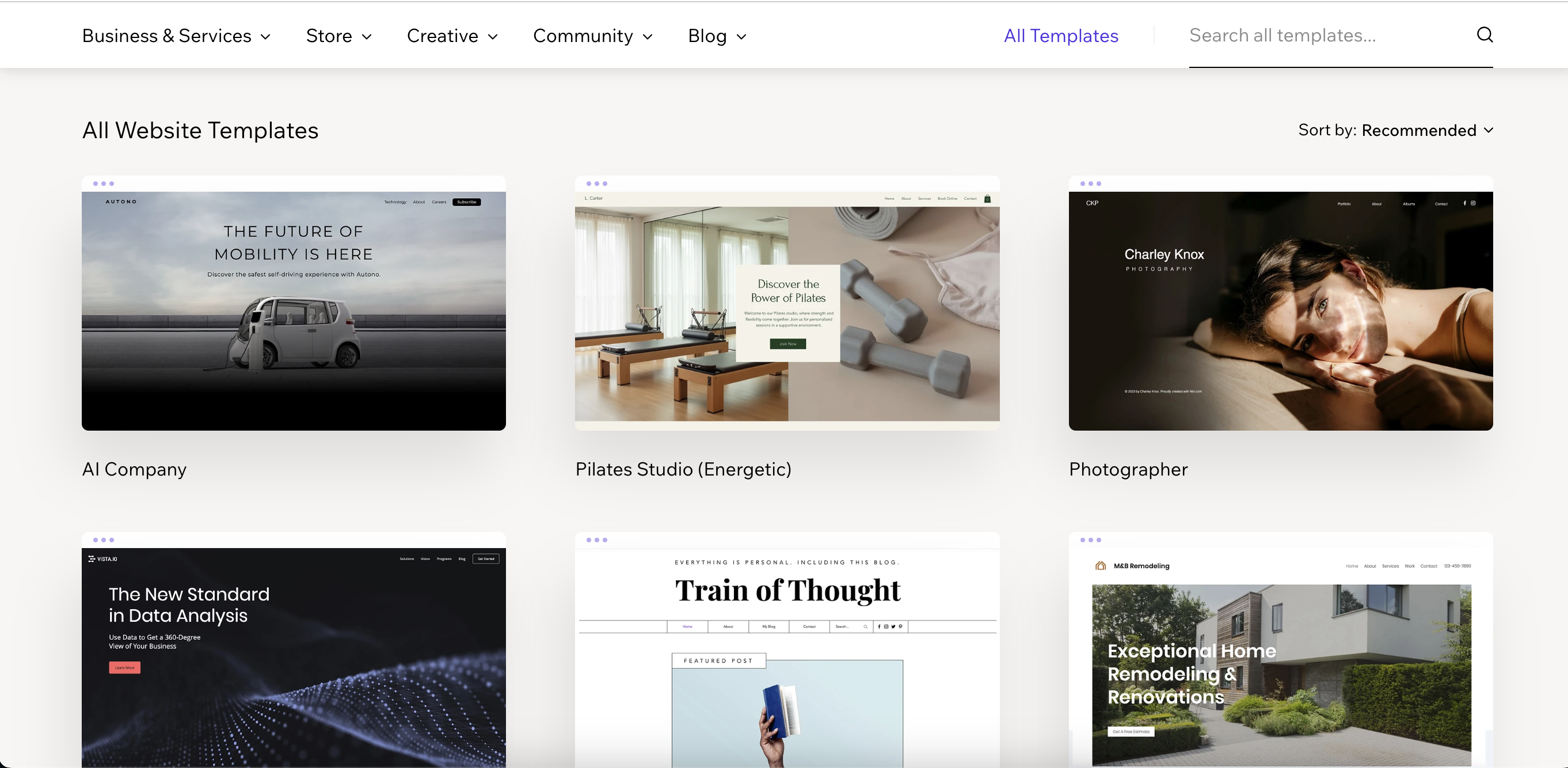
Wix gives you more creative control.
It is more flexible, more drag-and-drop and gives you more freedom to place elements where you want them.
This can be useful if you want more layout control, but it can also mean you need to be more careful with how your website behaves across different screens.
I know this from experience.
My first ever website was built in Wix.
At the time, it looked perfectly fine on my own device. I thought everything was working.
Then I saw it on a friend’s phone and laptop and realised the website was not responding the way I thought it was.
Things that looked fine on my screen did not look right everywhere else.
That was one of the first moments where I really understood that website design is not just about how something looks on your own laptop.
It needs to work properly for other people too.
Now, to be fair, Wix has changed a lot since then.
The platform has improved, and it is much more capable than it was when I first used it.
But that experience still shaped how I think about website platforms.
Flexibility is helpful.
But only when it is paired with structure, testing and proper responsive design.
Design and Usability
When comparing Squarespace vs Wix for photographers, design and usability are usually the first things people think about.
Because your website needs to feel like your brand.
But it also needs to be easy enough to maintain after launch.
- Squarespace: Squarespace is known for clean, modern templates and a more structured editing experience. It can be a good fit for photographers who want a polished editorial feel without needing complete design freedom. The structure can be helpful because it keeps layouts feeling consistent.
- Wix: Wix gives more drag-and-drop flexibility. This can be useful if you want more creative control over individual sections, layouts and page designs. But because it gives you more freedom, it also needs more care when checking mobile and different screen sizes.
This is where the choice depends on your personality and workflow.
If you want something more guided, Squarespace may feel easier.
If you want more freedom to move things around, Wix may feel more flexible.
Neither is automatically better.
They just suit different types of users.
I have worked on both platforms for clients, and I have seen both work well when used properly.
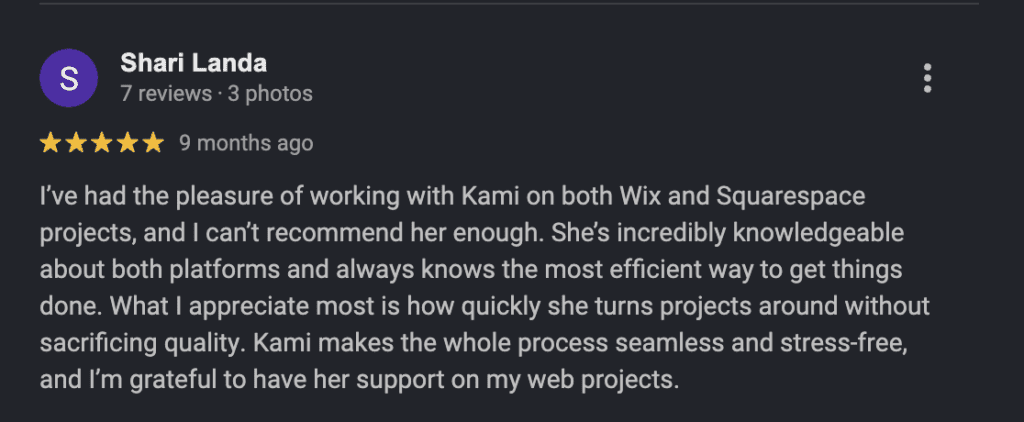
I supported Shari across multiple Wix and Squarespace projects for her clients. She shared that I was knowledgeable about both platforms, knew the most efficient way to get things done and made the process feel seamless and stress-free.
That is the thing with platforms like Squarespace and Wix.
They can look simple from the outside.
But when you want the site to feel polished, responsive and strategic, knowing the platform properly makes a big difference.
SEO and Content for “Squarespace vs Wix for Photographers”
When it comes to SEO, both Squarespace and Wix can support photographers.
But the platform alone will not make your website rank.
Your content, page structure, headings, metadata, image names, alt text, internal links and local SEO all matter too.
Squarespace includes built-in SEO settings, clean templates and blogging tools that can work well for photographers who want a simple, managed setup.
Wix gives you more granular SEO options and more control over some settings, which can be useful if you want to customise pages more deeply.
But the real question is not just “which platform has SEO tools?”
The real question is:
Are you using those tools properly?
For photographers, SEO usually needs to support the services and locations you want to be found for.
That might mean optimising your homepage for your main photography service, creating service pages, blogging about venues, adding location-focused copy and making sure your images are not slowing the website down.
This is something I explain in more depth in my guide to SEO for wedding photographers, because a beautiful website still needs clear signals for Google to understand what you do and where you work.
Squarespace and Wix can both support that.
But neither will do the strategy for you.
Which to Choose Based on Your Goals
Choose Squarespace if:
- You want a polished website that feels clean and editorial.
- You prefer a more structured editing experience.
- You want something that feels simple and low maintenance.
- You do not need full creative freedom over every tiny detail.
- You want a website that can support pages, blogging and simple ecommerce.
Squarespace can be a good choice if you want your website to feel refined without needing to build every section from scratch.
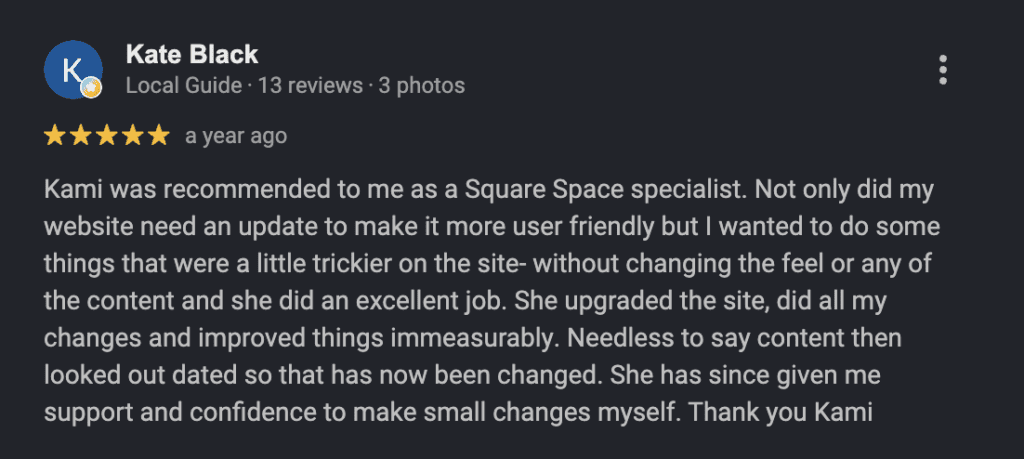
I helped Kate with her Squarespace website for Bespoke Nutritional Therapy, and the goal was not to completely change the feel or rewrite all the content.
The site needed an update to make it more user-friendly, with some trickier changes handled properly while keeping the overall feel of the website intact.
After the updates, Kate shared that the site had been improved immeasurably and that she felt more confident making small changes herself afterwards.
That is where Squarespace can work really well.
Not necessarily when you want unlimited design freedom.
But when you want a polished, manageable website that can be improved without overcomplicating everything.
I have also worked on a private pilot and multi-engine training website in Squarespace while freelancing under another designer.
That project was very different from a photography website, but it reinforced the same thing: Squarespace can be a strong choice when the site needs to feel clear, professional and easy to manage.
Choose Wix if:
- You want more layout flexibility and creative control.
- You like drag-and-drop editing and want to customise pages more freely.
- You want access to a wider app marketplace and extra features.
- You are comfortable checking your design carefully across desktop, tablet and mobile.
- You want a platform that gives you more freedom than a more structured template system.
Wix can be a good option if you want more creative flexibility and are happy to spend a little more time making sure everything behaves properly across different screens.
As I said earlier, my first website was built in Wix, and the issue I ran into was responsiveness.
It looked fine for me.
But not everywhere else.
That does not mean Wix is a bad platform.
It means flexibility needs testing.
And Wix has changed a lot since then!
I have worked on Wix projects for clients through Shari, and the platform can absolutely be used well when it is handled properly.
The key is not just building something that looks good on your screen.
It is making sure it works for the people visiting your website too.
Local SEO Tips for Squarespace and Wix
Regardless of platform, the best SEO results come from strategy and consistency.
For photographers, that means your website needs to clearly show what you do, where you work and who you serve.
Here are a few things I would focus on:
- Use clear service and location keywords, such as “Manchester wedding photographer”, “Californi family photographer” or “Los Angeles newborn photographer”.
- Create blog posts around venues, locations, real sessions, planning advice and client questions.
- Use descriptive image file names and alt text that support your services and locations naturally.
- Make sure your Google Business Profile, website and social platforms use consistent business information.
- Link between related pages and blog posts so Google can understand the structure of your website.
- Check your website on different devices, not just your own laptop.
This last point is especially important.
Because a website can look beautiful on your screen and still create problems for someone else.
That is exactly what happened with my first Wix website.
And it is one of the reasons I now care so much about responsive design, mobile layout checks and real user experience.
If you are not sure whether your current website is helping or quietly holding you back, my Dream Client Website Checklist can help you review the foundations.
Final Thought
The debate around “Squarespace vs Wix for photographers” does not have one perfect answer.
Squarespace is often a good fit if you want something polished, structured and easier to maintain.
Wix can be a good fit if you want more creative freedom, more drag-and-drop flexibility and more room to customise.
For many photographers, Squarespace may feel like the faster route to a clean, professional site.
For photographers who want more control and are comfortable checking the details, Wix can offer more flexibility.
But the platform is only one part of the decision.
Your website still needs strong copy, clear navigation, thoughtful SEO, good images, responsive layouts and a client journey that makes it easy for people to enquire.
Because a website can be built on the “right” platform and still not do its job.
And a simple platform can work beautifully when it is used strategically.
If you are ready for a completely custom design or want expert help refining your chosen template, explore my custom website design services. Together, we can create a site that feels like you and helps your brand grow with confidence.
Still deciding which platform is right for you? Take my Which Website Platform is Right for You? Quiz.